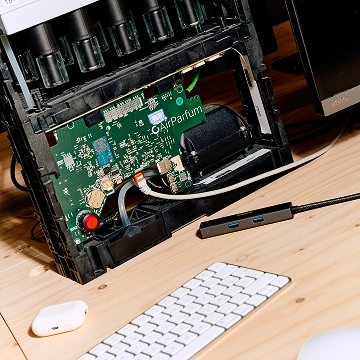
Wikiparfum
Puig had the world's best fragrance data. We turned it into a platform.
SwiftUI is Apple's framework for building user interfaces. You describe what the screen should look like in a given state, and the framework figures out how to render it and how to update it when that state changes. Write it once in Swift, and the same code adapts across iPhone, iPad, Mac, Apple Watch, and Apple TV.
This is a declarative approach, which is the key difference from UIKit, the older framework it works alongside. With UIKit you manually wire up views and tell them when to change. With SwiftUI you declare the relationship between data and display, and the framework keeps them in sync. A settings screen with a dozen toggles is a good example: flip one switch and every dependent control updates without a single line of glue code.
SwiftUI is younger than UIKit and still maturing, so complex or unusual interfaces sometimes drop back to UIKit underneath. The two interoperate cleanly, which is why most serious iOS apps today use both. SwiftUI for the bulk of the screens, UIKit where you need finer control.
We build iOS interfaces in SwiftUI when it lets us move faster without giving up quality. Less boilerplate means more time spent on the interaction details that actually make an app feel good. For mobile app development on Apple platforms, it's often where we start.
We don't treat it as a silver bullet. Some screens still call for UIKit, and we mix the two without hesitation when the interface demands it. What you get is an app that uses the right tool for each screen, structured so your engineers can read it, extend it, and own it long after launch.
Building an iOS app that needs to feel sharp on every Apple device? Let's talk.
Puig had the world's best fragrance data. We turned it into a platform.
A logistics company that ships to 190 countries built something to ship to itself.
Half a million people. One app. Zero chaos.